
This time I’m making a Billy Bookcase light with Home Assistant Integration. Check how I made it.

This time I’m making a Billy Bookcase light with Home Assistant Integration. Check how I made it.


This is the Complete Starter Kit from Elegoo with an Arduino Mega. A few days ago, Elegoo sent me a kit and challenged me to build a Christmas project with him. This kit includes several components. An Arduino Mega, servos, ultrasound sensors, remote, RFID readers, among others. Let’s start the project. So i decide to create a Secure Christmas Tree.

Elegoo send me this Super Starter Kit for testing. So, let’s see what’s inside.

One of the projects I wanted to build for some time was a Modular Weather Station. Modular in the sense that we can add the sensors we want just by changing the software.

One of the problems of a server room is the temperature. With different equipment producing heat, this rises quickly. And if the air conditioning fails, it quickly stops everything. To predict these situations we can acquire one of several environmental monitoring systems in the market. Being a simple system, I decided to make a custom solution and build a server room monitor system. Thanks in advance for the support of PCBWay that provided all the necessary pcb’s.

As usual, this Halloween I decided to create a project related to the season. Using Prusa I3 and Thingiverse, I printed a Halloween decoration where the color is controlled remotely through the Blynk project.
The Blynk project lets you create a mobile or tablet app that interacts with controllers like the Arduino Uno or the Wemos D1 Mini.

For some time now I’ve been trying to change the lighting in the kitchen counter. It uses halogen lamps and wasn’t practical. So I decided to replace it with a LED strip. In order to automate it i added a wemos. Let’s begin.

For some time now I wanted to start automating parts of the house. Although several parties are already planned, I decided to start with the aquarium.
Currently the aquarium has two analog timers to control lighting and water filtration. The problem is that whenever there is a light fault, the timers change the lighting and filtering times.
To solve this problem, I decided to install a nodeMCU module, which receives water temperature data through a probe, controls lighting and filtering through a relay, and communicates with the Raspberry Pi that controls all IoT (Internet of Things) through MQTT (Message Queuing Telemetry Transport) messages.
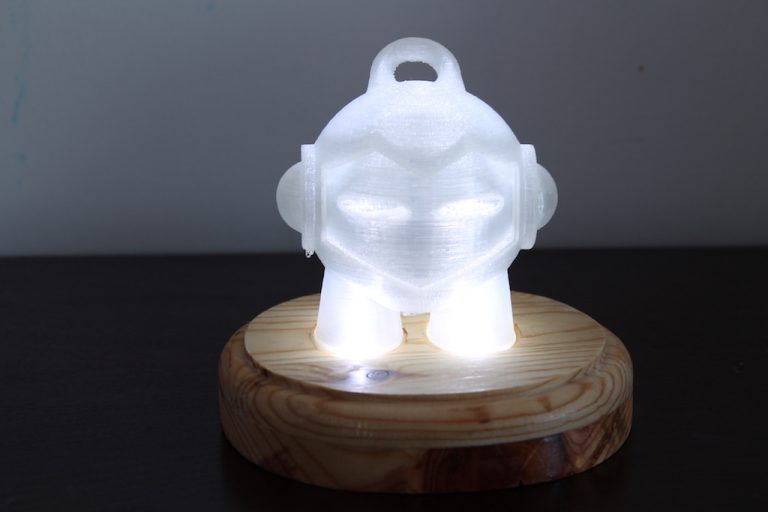
One of the projects, which was scheduled some time ago, was the construction of a personalized presence light. For this project I decided to use a wooden base with an Arduino and a figure printed in 3D.
First the bases were cut. Due to the low height of the wood it was necessary to cut two pieces, prepare them and to glue it.
Two circles were cut into pine wood with approximately 14 cm in diameter, each.
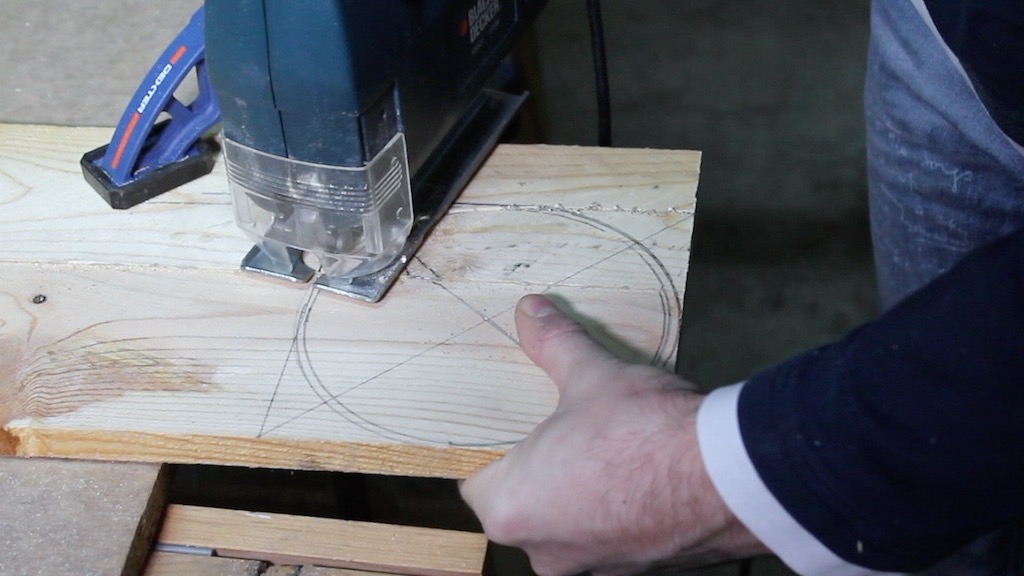
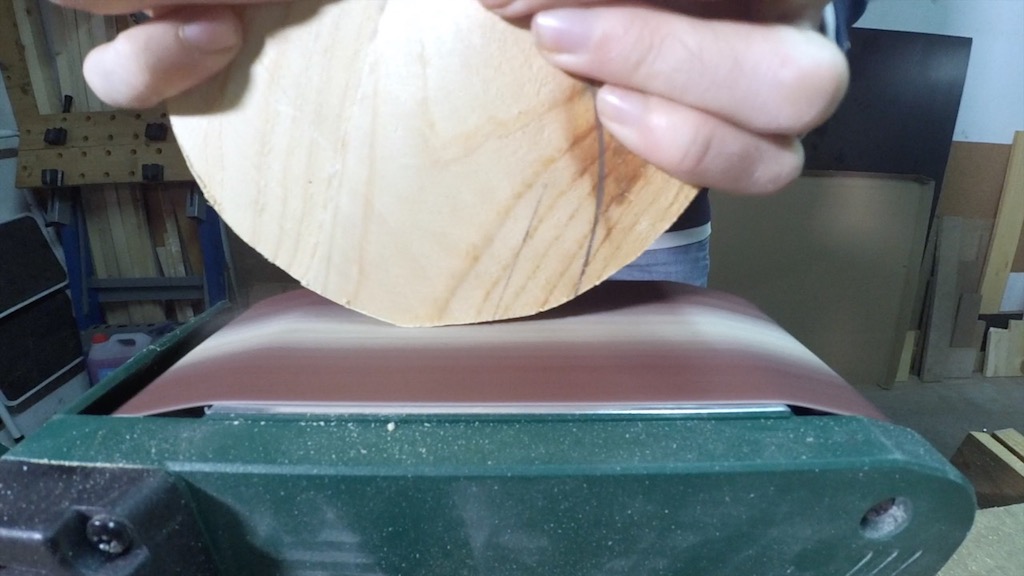
The first was cut with a jigsaw, but due to the fact that this was a time consuming process, I decided to cut the second on the table saw and end up with the belt sander. After that, it was necessary to perfect both in order to be without imperfections.
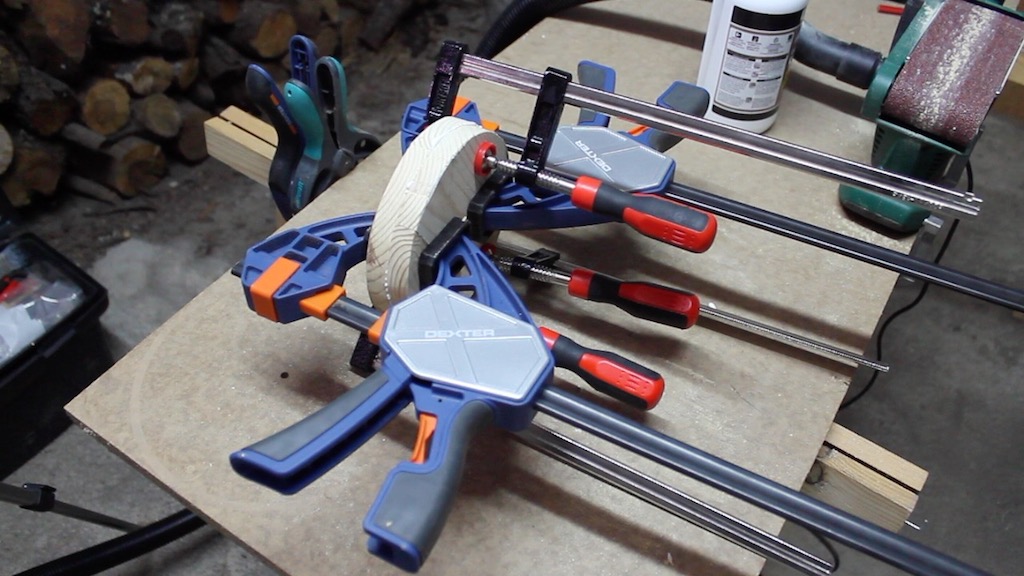
The bases were glued with wood glue, clamped and dried for 24 hours.
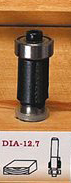
After that time, the sides of both parts were aligned with a router with a flush trim bit. This bit allows you to level out a part using the bearing area as guide.
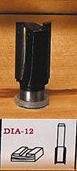
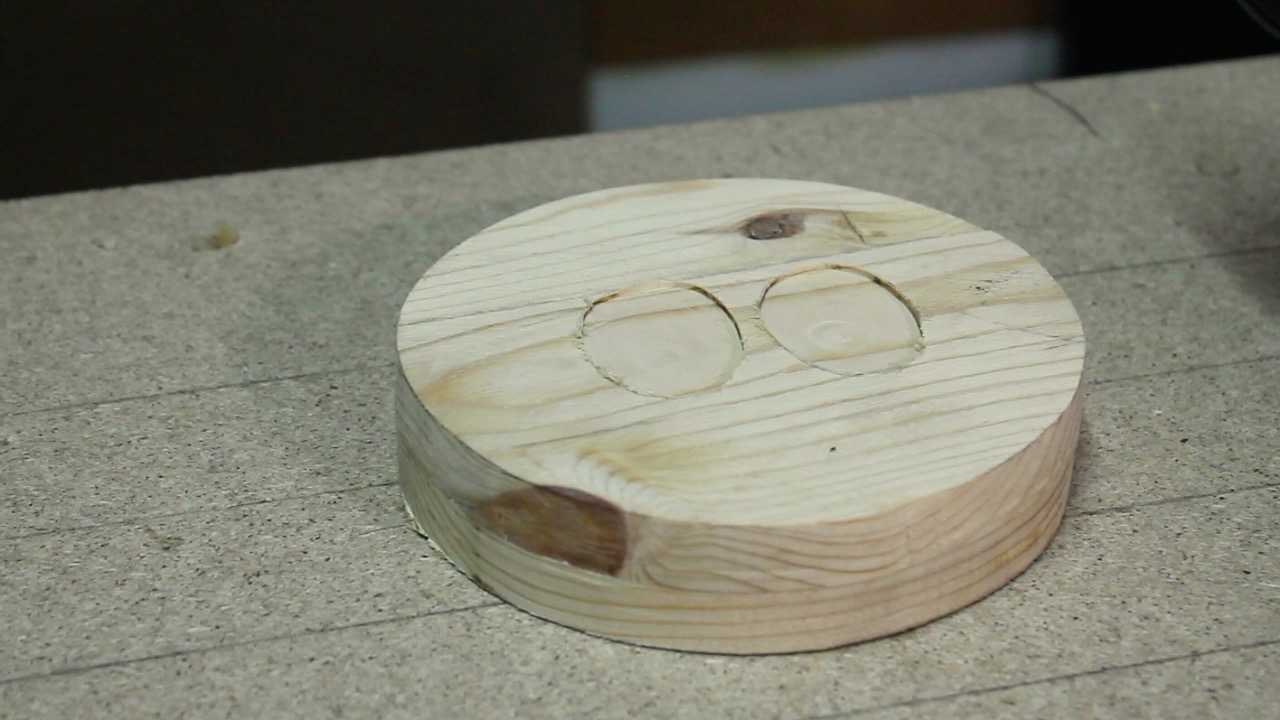
Next, it was necessary to create the cavity to house the electronics and the socket for the figure. To create these cavities was used, again, the router with a straight bit.
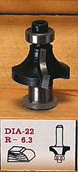
Finally, I made the finishing touches. Create a profile all around with a ogee bit and varnish with matt wood varnish.
  /**
 Tiago Santos, 2017
 dark_storm@groundzero.com.pt
 Code to Marvin Night Light
 Free to share
 **/

int led = 11;
int reed = 10;

void setup() {
 // put your setup code here, to run once:
  pinMode(led, OUTPUT);
  pinMode(reed, INPUT);
}

void loop() {
 // put your main code here, to run repeatedly:
 if( digitalRead(reed) == HIGH ){
   digitalWrite(led, HIGH);
 }else{
   digitalWrite(led,LOW);
 }

}
You can find the code on my GitHub account.
The needed electronics are the following:
When the magnet approaches the reed, closes the circuit. The Arduino, when detecting that the circuit closes, turns on the LEDs. When the circuit opens, the Arduino switches off the LEDs.
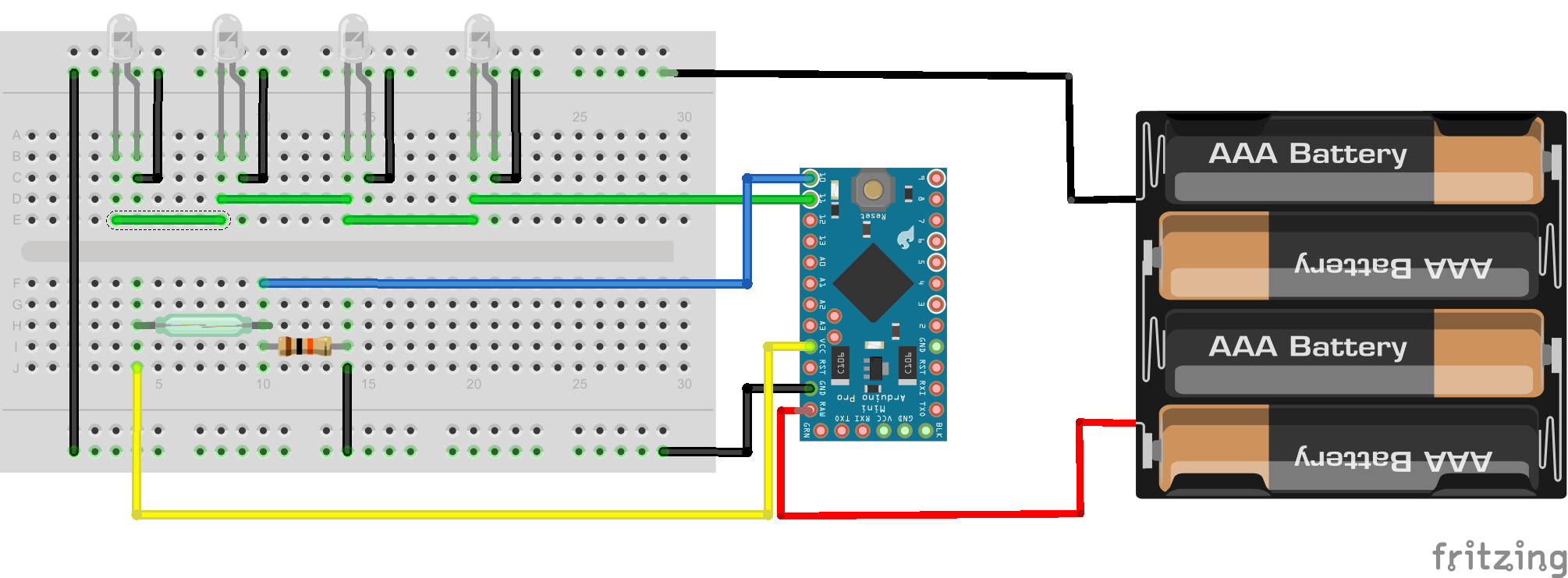
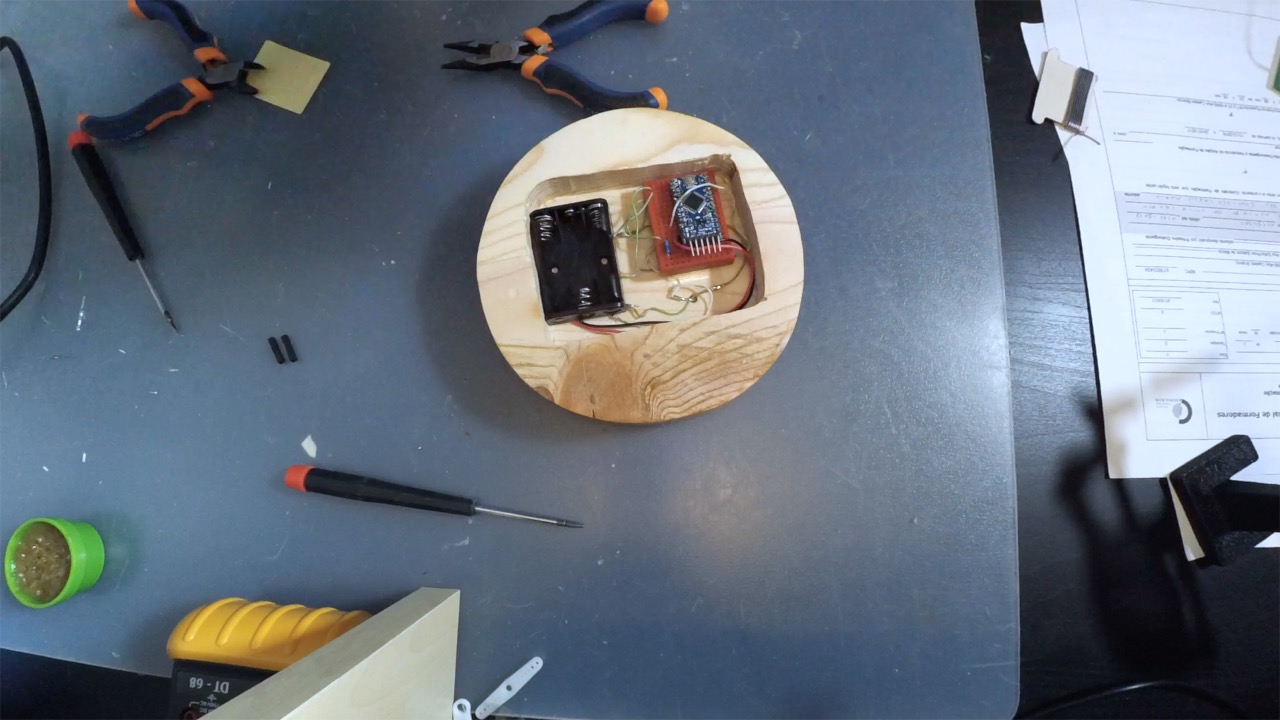
After testing the circuit and verifying that it worked correctly, it was only necessary to mount everything in its place.
The magnet was placed in the place and transferred to the figure. After this was fixed in the figure with the help of a soldering iron.
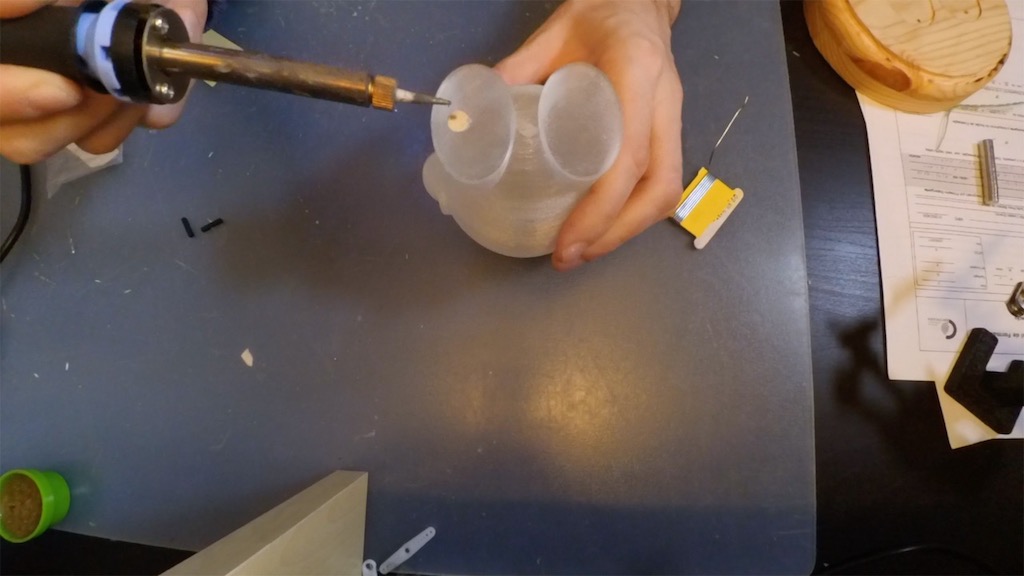
It was necessary to replace the magnet after this process because, with the heat, it lost the magnetism. The second magnet was fixed in the location with CA Glue.
