
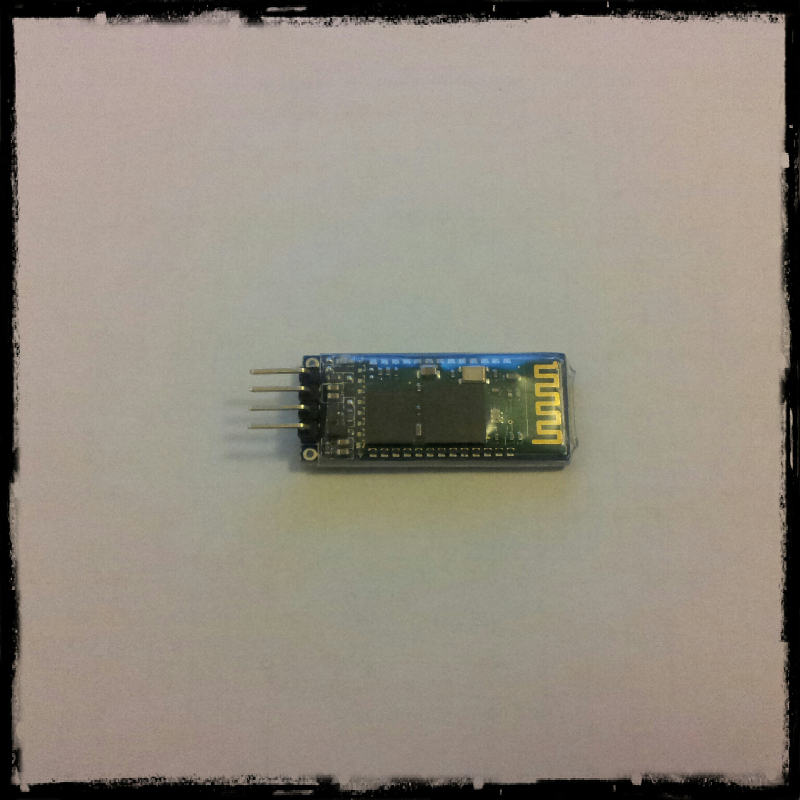
One of the sensors for Arduino is a Bluetooth receiver. This receiver allows you to connect any Bluetooth device to Arduino.
Initially it may seem extremely complicated to use because protocols , pairings, etc. but it is extremely simple.
Code:
This is a code I found that was developed by Mohannad Rawashdeh and allows switching on and off an LED by sending the number 1 or the number 0 .
// This program shown how to control arduino from PC Via Bluetooth
// Connect ...
// arduino>>bluetooth
// D11 >>> Rx
// D10 >>> Tx
//Written By Mohannad Rawashdeh
//for http://www.genotronex.com/
// you will need arduino 1.0.1 or higher to run this sketch

#include <SoftwareSerial.h>// import the serial library
SoftwareSerial Genotronex(10, 11); // RX, TX
int ledpin=13; // led on D13 will show blink on / off
int BluetoothData; // the data given from Computer

void setup()
{
 Genotronex.begin(9600);
 Genotronex.println("Bluetooth On please press 1 or 0 blink LED ..");
 pinMode(ledpin,OUTPUT);
}

void loop()
{
 if (Genotronex.available())
 {
  BluetoothData=Genotronex.read();
  if(BluetoothData=='1')
  { // if number 1 pressed ....
   digitalWrite(ledpin,1);
   Genotronex.println("LED On D13 ON ! ");
  }
  if (BluetoothData=='0')
  {// if number 0 pressed ....
   digitalWrite(ledpin,0);
   Genotronex.println("LED On D13 Off ! ");
  }
 }
 delay(100);// prepare for next data ...
}
To communicate with the Bluetooth receiver via an Android device can use Arduino Bluetooth Terminal.
PS: The pairing code can be 0000 or 1234.